Character Sheet Creation: 100% Working Seedance 2.0 Bypass
Hello,
Thank you for taking the time to read this character creation tutorial for Seedance 2.0. As most of you know, Seedance 2.0 is well known for rejecting faces due to the backlash it received on its first launch.
We have studied using a multiple-character format sheet. This is the best way to ensure your character gets accepted 100% of the time.
1.Go to ChatGPT
2. Attach your character image
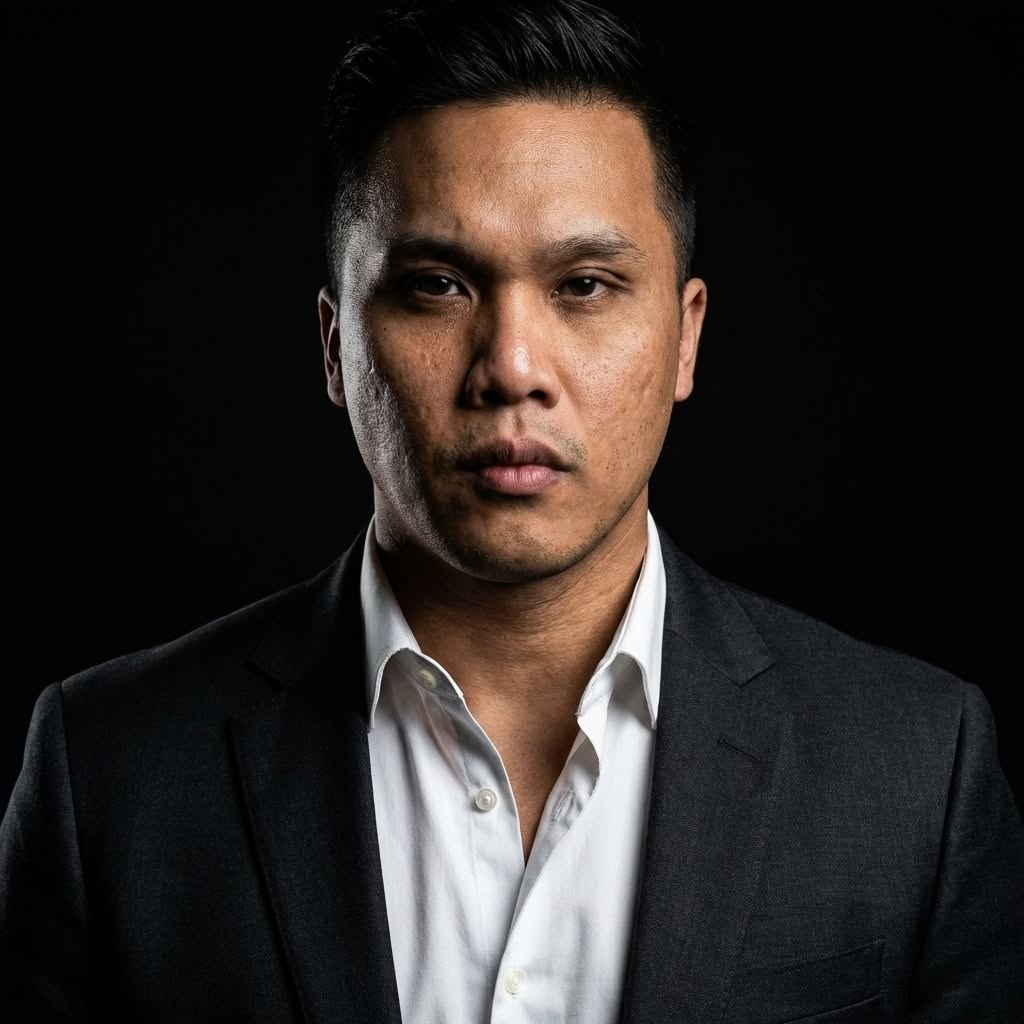
3. Enter this prompt
Prompt: "Create a 16:9 black-and-white fashion sketch illustration of the person from the photo reference. Three views side by side: full body front view, medium portrait view, and full body back view. Realistic body proportion. Use only monochrome tones: black, white, graphite grey, charcoal grey, and soft pencil shading. No color. No watercolor color fill. No blue, grey-blue, skin tone, or tinted palette. Style: loose expressive pencil lines, high-detail facial shading, fashion design sketch aesthetic, clean white paper background, strong negative space. Face: preserve the original facial structure, eye shape, nose, lips, jawline, hairstyle, and all distinguishing features. Skin: render only with light graphite pencil shading and minimal hatching. Hair: use sharp dark ink lines and deep charcoal shading. Clothing and body: sketch clearly with elegant fashion proportions, natural pose, and clean linework. Final image must look like a professional black-and-white fashion concept sketch on white paper."
You will get something like this
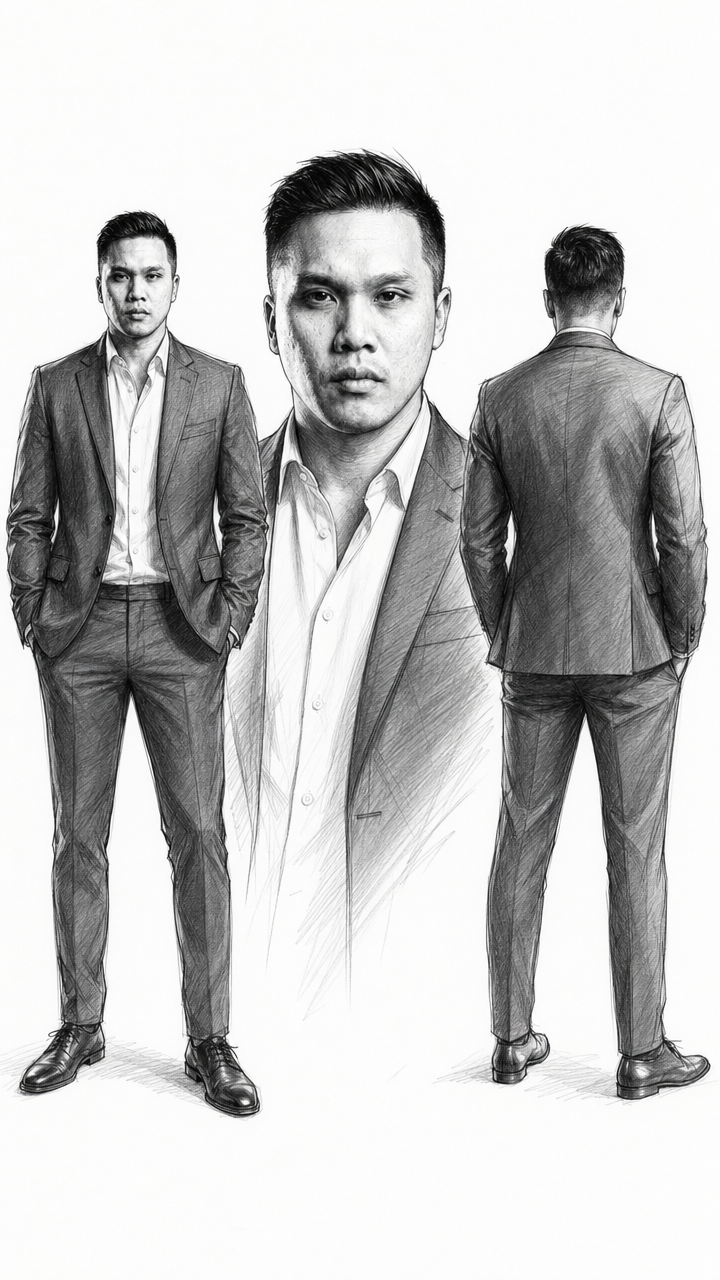
Even though it is an illustration, with the right prompt you can generate a realistic result.
Example: [Style] Photorealistic cinematography, 8K IMAX-format clarity, shot on ARRI Alexa 24mm lens, natural depth of field, 100% real-life shooting texture